Size guides › See it on your hand
True size, on your hand
See a diamond at its real size on your own hand
Ring photos online are taken close up, on someone else's hand. IfTheRingFits draws the diamond you're considering at its real size on a photo of your hand — in about a minute, free, and your photo never leaves your phone.
Why photos online mislead you
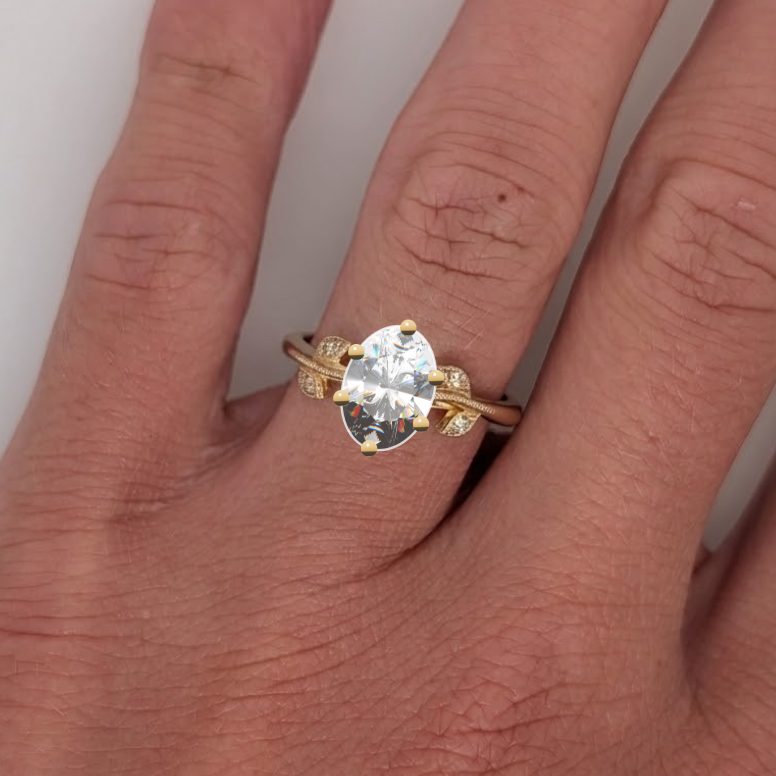
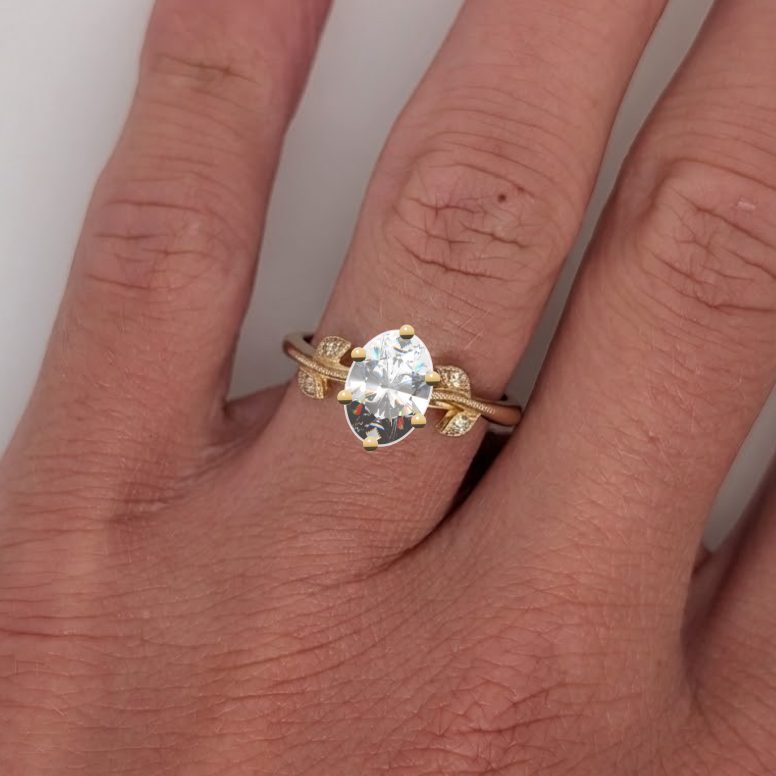
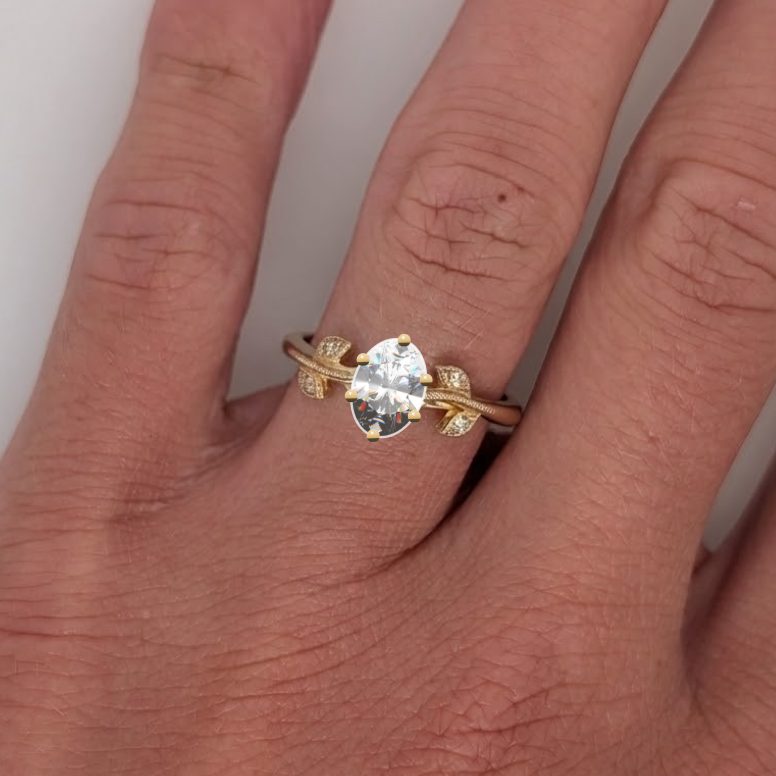
Here's the same 1.5 ct oval on the same photo, drawn for three different hands. On a size 4 finger it covers 41% of the width; on a size 9, just 32%. The ring photo you saw online was on somebody's hand — just not yours.
How it works
Five quick steps on your phone or computer.
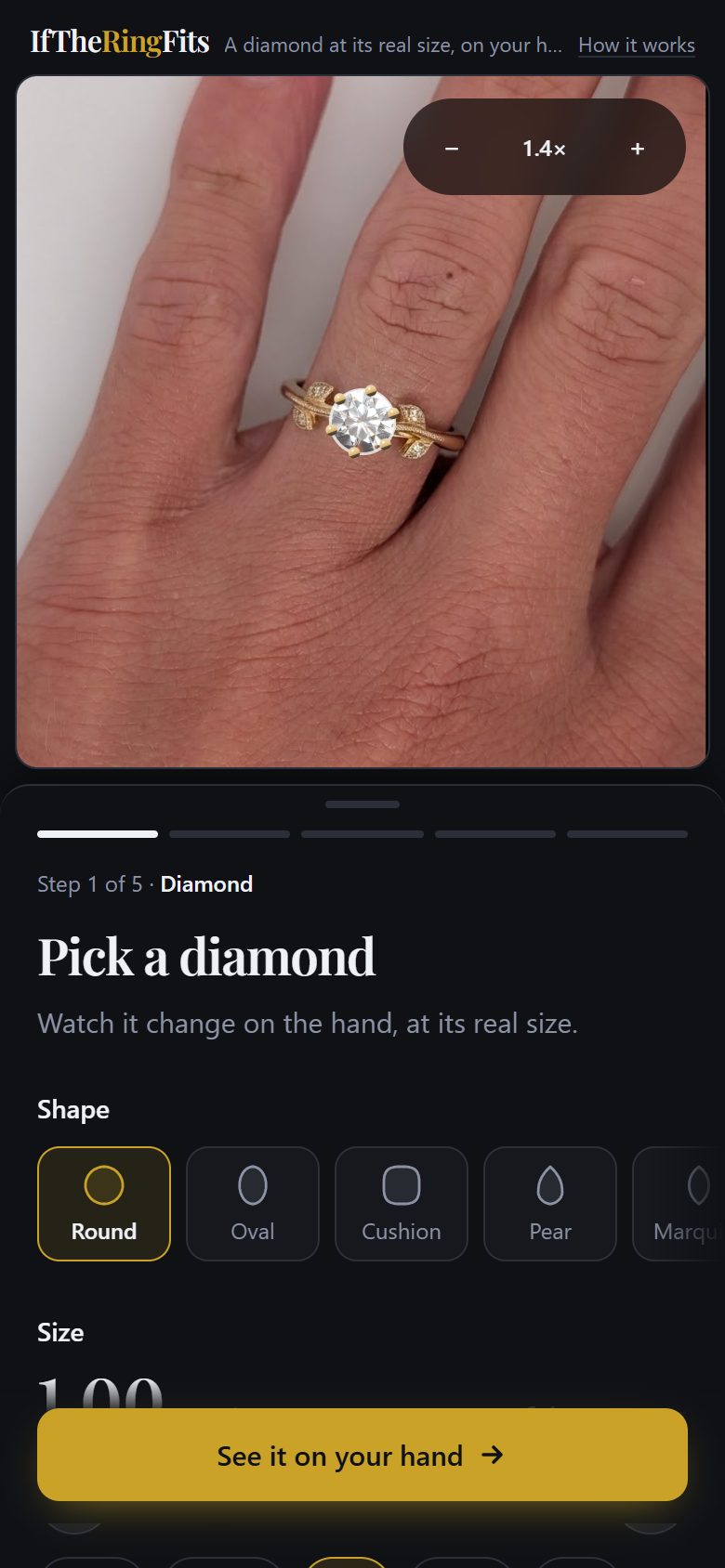
Pick a diamond
Choose a shape and a carat weight. It appears at its real size on a sample hand straight away.
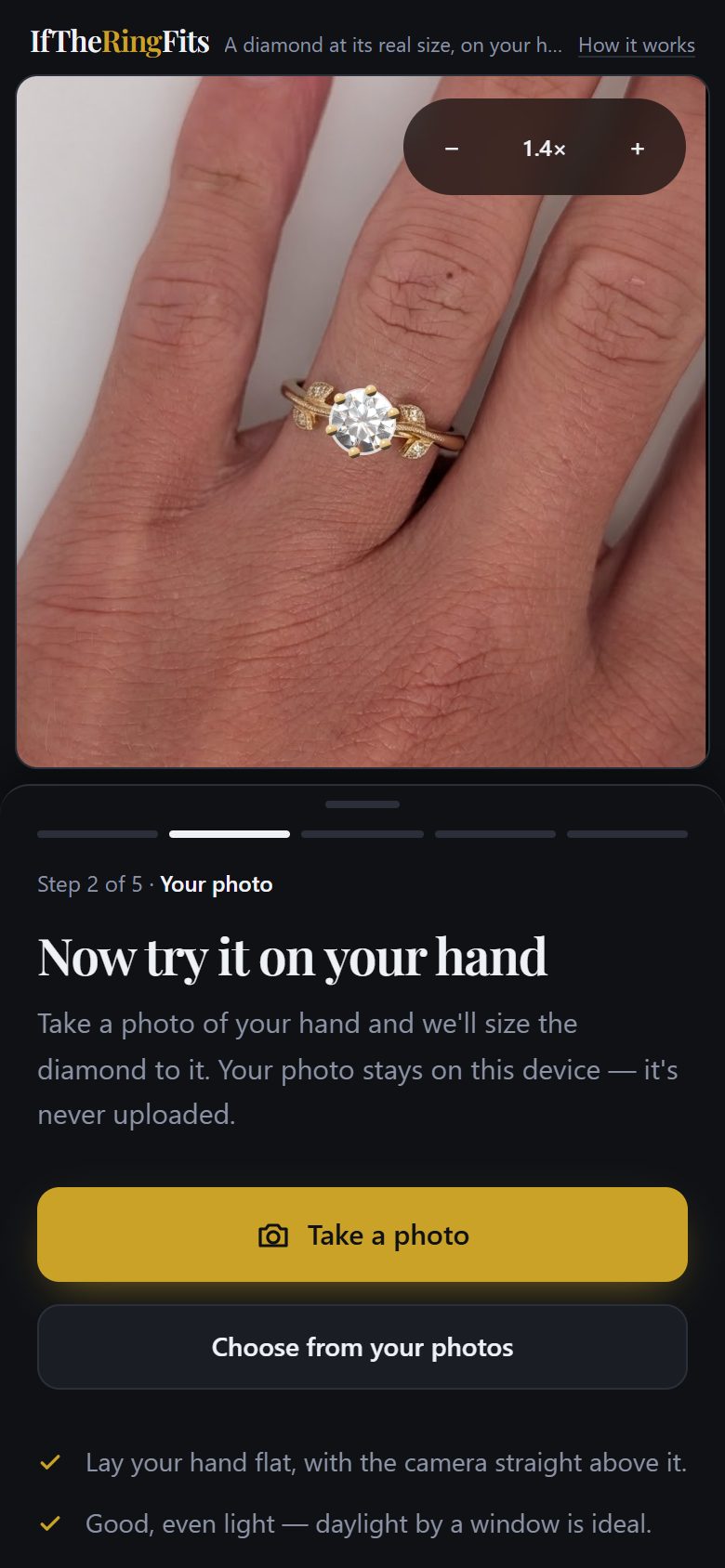
Add a photo of your hand
Take one, or choose one you have. It stays on your phone — nothing is uploaded.
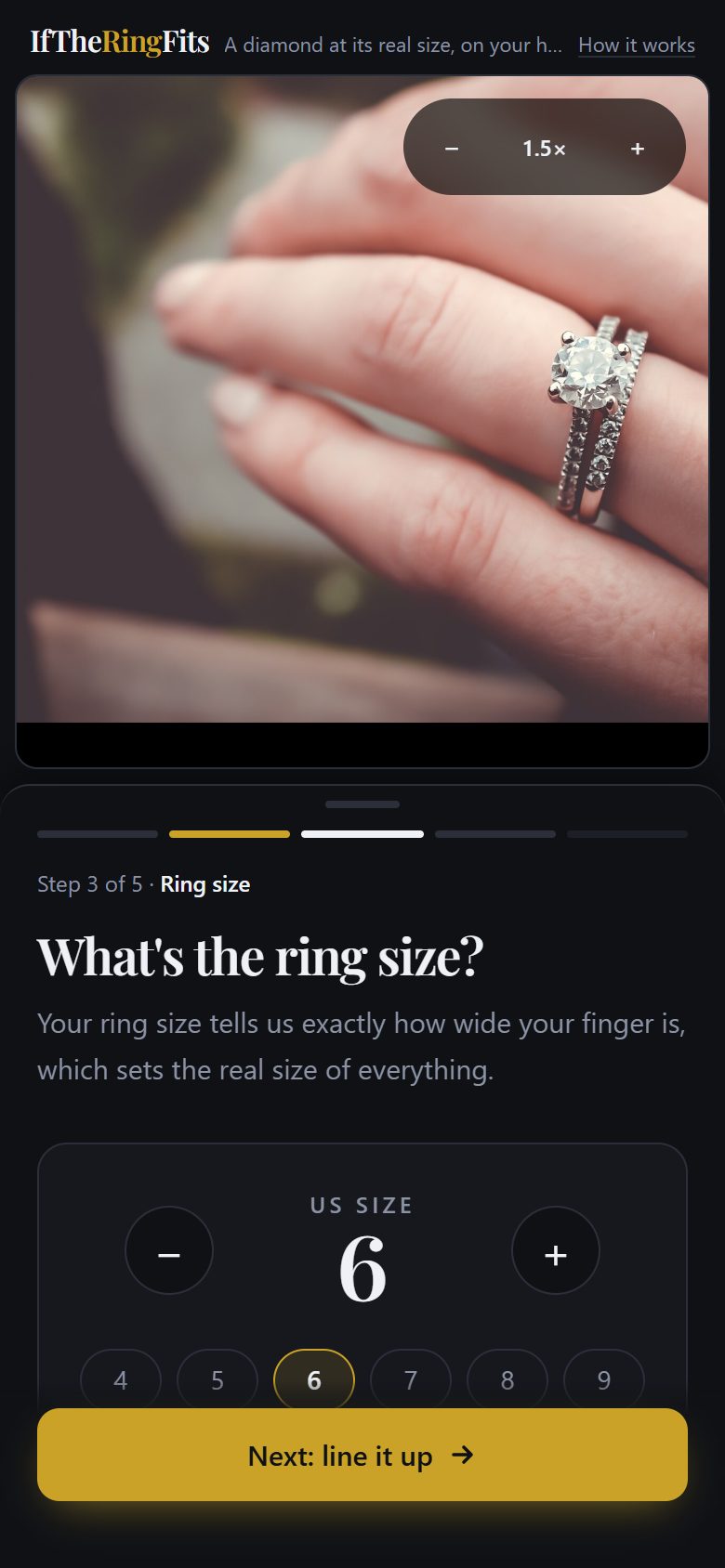
Tell us your ring size
That's the one number that turns pixels into millimeters. No ring size? Use a bank card in the photo instead.
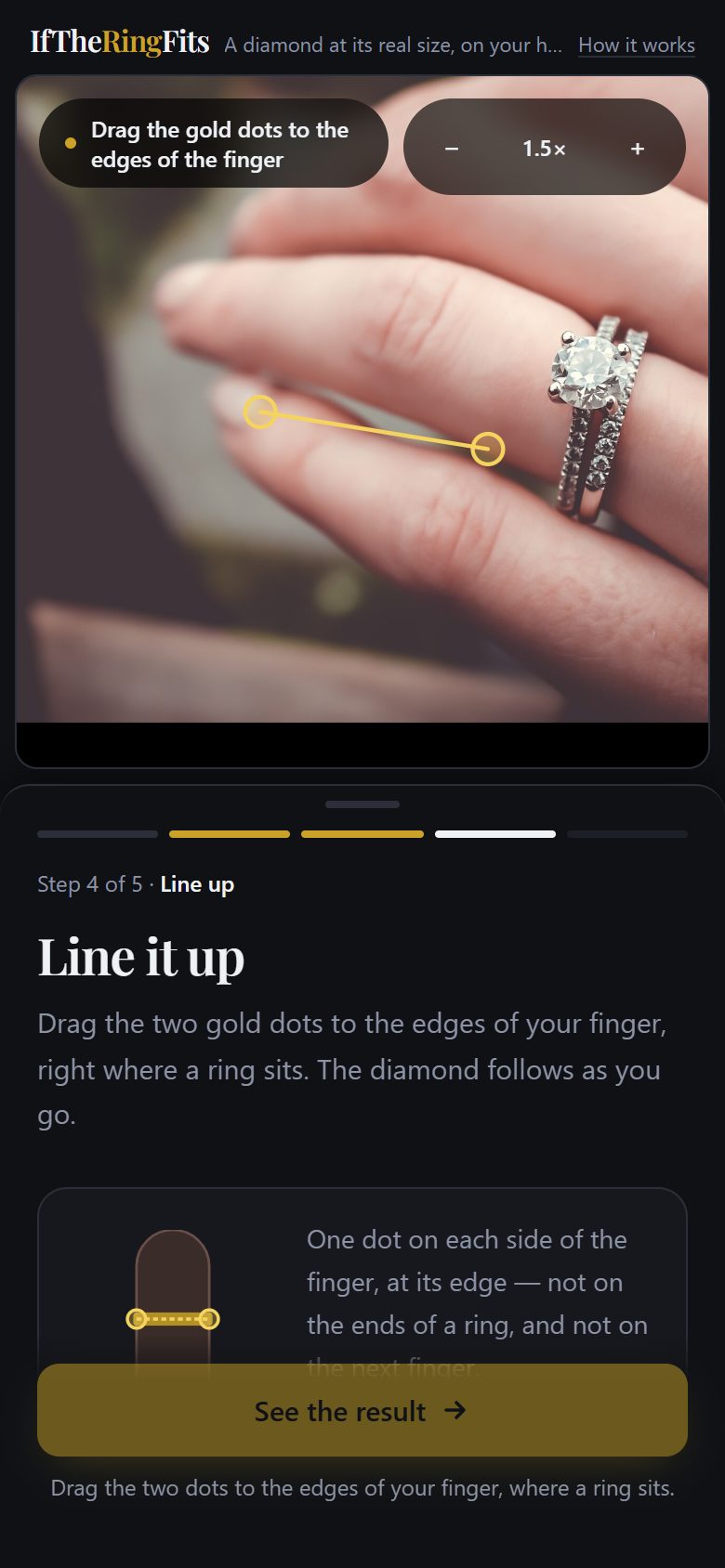
Line it up
Drag two dots to the edges of your finger, where a ring sits. The diamond follows.
See it at true size
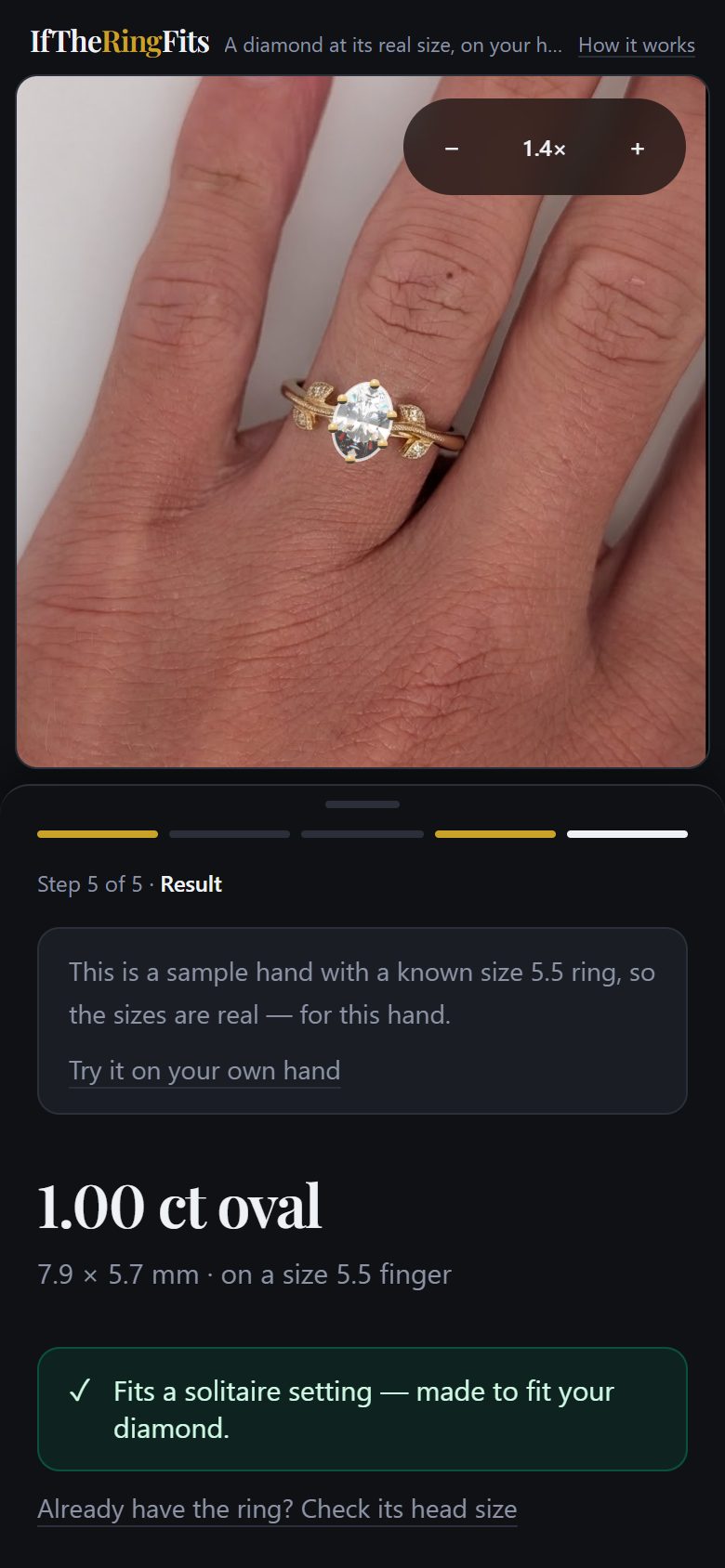
Your diamond on your finger, at its real size — plus whether it fits the setting, and where to buy one.
How a photo becomes millimeters
A photo has no size of its own — a finger can fill the screen or a corner of it. So the tool needs one thing in the picture whose real width it knows.
Your ring size tells it how wide your finger is where a ring sits: a size 6 is about 17.7 mm. A bank card is even better: every one in the world is exactly 85.60 mm wide. From that, every pixel becomes a fraction of a millimeter, and the diamond is drawn at its real size.
Tips for a good photo
Lay your hand flat
With the camera straight above it. A tilted hand makes everything measure small.
Use even light
Daylight by a window is ideal. Avoid harsh shadows across the finger.
Show the ring finger clearly
Fingers slightly apart, so both edges of the ring finger are easy to see.
Using a card? Keep it flat
Beside your hand and at the same height, so it's measured at the same distance from the camera.
Private by design. Your photo is processed by your own browser and never uploaded — there's no account and nothing is stored on a server. Privacy details.
See your diamond on your hand
Pick a shape and a size, add a photo, and see it at its real size in about a minute.
Questions
How accurate is it?
With a bank card in the photo, the scale comes from a known 85.60 mm width, which is the most accurate option. With a ring size alone, it's good to roughly half a ring size, because fingers vary in shape. The tool tells you which it used.
Is my photo uploaded anywhere?
No. The photo is processed entirely in your browser, on your device, and never sent to a server.
What if I don't know my ring size?
Put any bank card flat beside your hand in the photo. Every bank card is the same width, so the tool can measure your finger from it.
Does it cost anything?
No. The tool is free and has no advertising. It's funded by commissions when people buy through its retailer links, which doesn't change the price you pay.